





Checked against each platform's own docs on October 10, 2026.
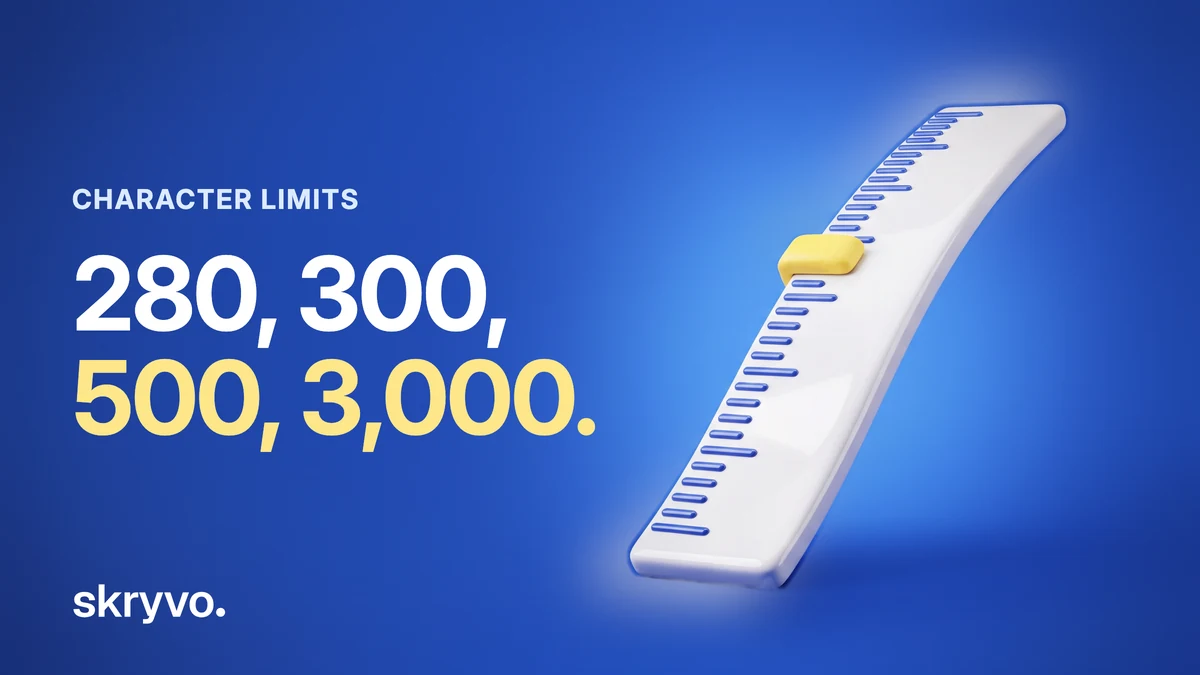
X (Twitter) allows 280 characters per post and counts every link as 23 of them. LinkedIn allows 3,000. Bluesky allows 300, counted in graphemes, so an emoji is one. Each figure below comes from the platform's own documentation, linked in the table, and they are the same limits Skryvo writes to when it drafts a post for each channel.
The short version: X 280, Bluesky 300, Threads 500, Mastodon 500 by default, Pinterest descriptions 800 with 100-character titles, Instagram captions 2,200, Discord 2,000, LinkedIn 3,000, Telegram 4,096 (captions 1,024). To check a post against all of them at once, paste it into our free post preview and thread maker.
| Platform | Limit | How it counts | Source |
|---|---|---|---|
| X (Twitter) | 280 per post | Every link counts as 23 | X docs |
| Bluesky | 300 per post | Graphemes, and at most 3,000 bytes | Post lexicon |
| Threads | 500 per post | Up to 5 links | Threads API |
| Mastodon | 500 by default | Characters | Mastodon docs |
| 800 description, 100 title | Characters | Pinterest API spec | |
| 2,200 caption | Also up to 5 hashtags (since December 2025) and 20 @ tags; see the hashtag limit | Instagram API | |
| Discord | 2,000 per message | Characters | Discord docs |
| 3,000 per post | Characters | LinkedIn Help | |
| Telegram | 4,096 per message | Captions on photos: 1,024 | Bot API |
What is the character limit on X (Twitter)?
280 characters per post. X runs every link through its t.co shortener, so a link counts as 23 characters whether it is 20 characters long or 200. Emoji and Chinese, Japanese or Korean characters count as 2; our Twitter character counter applies X's rules as you type. Subscribers to X's paid tiers can post far longer; Twitter first raised that to 25,000 characters for subscribers in 2023.
Does Twitter still have a 140 character limit?
No. Twitter doubled the limit to 280 in November 2017, and 280 is still the limit for most accounts on X.
How many characters can a LinkedIn post have?
3,000. LinkedIn's help page says that for anything longer you should write an article instead. In practice the opening lines carry the post, because long posts are folded in the feed until someone expands them.
Skryvo writes posts and articles in your brand's voice and publishes them for you. Start for $07 days free, no card needed
What is the character limit on Bluesky?
300 graphemes. A grapheme is what you see as one character, so an emoji with a skin tone, which is several code points under the hood, counts as one. The same post also has a hard ceiling of 3,000 bytes, which matters only for text heavy with emoji or non-Latin scripts.
What is the character limit on Threads and Mastodon?
Both default to 500. Threads also caps a post at 5 links; if you are choosing between the two short-post networks, Bluesky vs Threads compares them, and how to schedule Bluesky posts covers the 300-character side. On Mastodon, 500 is the default that the Mastodon software ships with; the server you are on decides, so check your server's composer.
Why one post rarely fits everywhere
A 600-character LinkedIn post is over the limit on X, Bluesky, Threads and Mastodon. You can cut it four times, split it into a thread, or write a version per network. We built Skryvo to do the last one: it writes a separate version of the post for each channel you publish to, within that channel's limit and in your brand's voice, then schedules them on one calendar. If you write the versions yourself, the post preview tool shows where each one breaks, our guide to scheduling X posts covers threads, and the best time to post on X compares three studies.
Write for the shortest network first, then let the longer ones have the detail.
Sizes for the picture beside the post: LinkedIn post size, Twitter image size, YouTube banner size, and keep blank lines in Instagram captions with the line break generator.
Do this in Skryvo

Read Skryvo often? Add Skryvo as a preferred source on Google and our articles are more likely to show up for you.


